

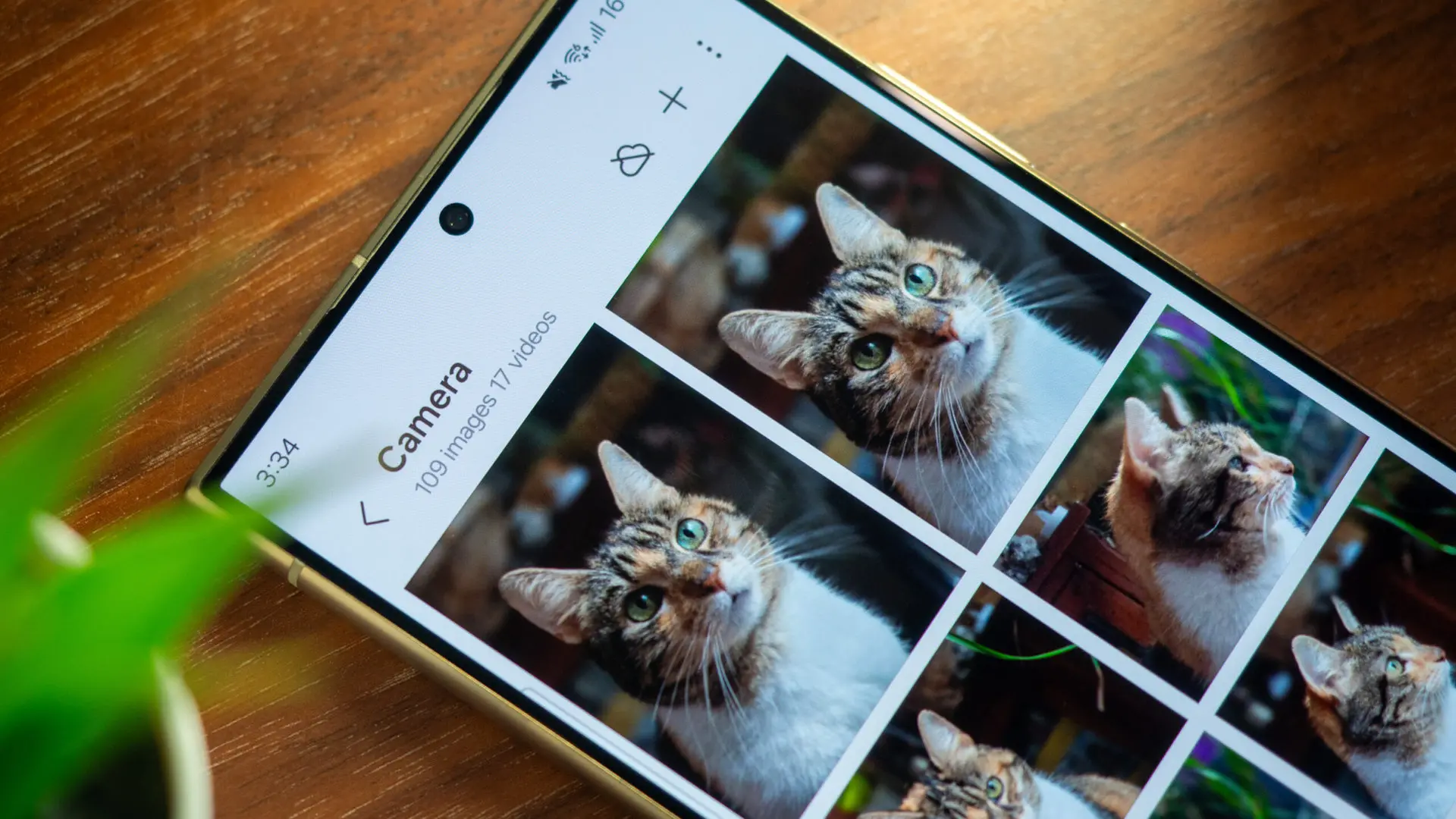
Samsung Gallery, the default photo management app on Samsung Galaxy devices, is officially ending its direct integration with Microsoft's OneDrive cloud storage service. The change, confirmed by Microsoft in a recently updated support page, will take effect on September 30, 2026. After this date, users will no longer be able to sync their photos and videos from Samsung Gallery directly to OneDrive. However, the photos already stored in OneDrive will remain accessible through the OneDrive app and website, and users can still back up new media by switching to the standalone OneDrive app.
Background of the Samsung Gallery–OneDrive Integration
The partnership between Samsung and Microsoft has been a key feature of the Galaxy ecosystem for years. Introduced with One UI in 2019, the integration allowed Galaxy users to seamlessly sync their photos from the Gallery app to OneDrive, providing a convenient backup solution. This collaboration was part of a broader alliance between Samsung and Microsoft, which also included integration with Office apps, Outlook, and LinkedIn. For many users, the ability to automatically back up photos without leaving the Gallery interface was a significant selling point, especially for those who already used Microsoft's cloud services on other devices.
However, the cloud landscape has evolved. Samsung has been developing its own cloud infrastructure, called Samsung Cloud, and has gradually shifted toward offering its own storage solutions. In 2023, Samsung announced plans to phase out third-party cloud integrations in favor of its own services. The move to end OneDrive sync is a logical step in that direction, giving Samsung full control over the user experience and data privacy policies.
Rumors of the termination first surfaced in September 2025, when code found in a leaked One UI 8.5 build hinted at the end of the integration. An earlier leak suggested a deadline of April 11, 2026, but that date proved incorrect. The official confirmation from Microsoft now sets a clear timeline: September 30, 2026. This gives users more than a year to prepare for the change and adjust their backup habits.
What the Change Means for Users
After September 30, 2026, Samsung Gallery will no longer sync new photos or videos to OneDrive. Existing synced photos will also disappear from the Gallery app, although they will remain safe in OneDrive. Microsoft emphasizes that photos are not deleted; they simply won't be viewable within the Samsung Gallery interface. Users can still access them through the OneDrive website or the OneDrive app installed on their device or computer.
For those who want to continue backing up their Galaxy photos to OneDrive, the solution is straightforward: install the OneDrive app from the Galaxy Store or Google Play, log in with a Microsoft account, and enable the Camera Backup feature. The steps provided by Microsoft are simple:
- Open the OneDrive app.
- Log in with your Microsoft account (which may differ from your Samsung account).
- Tap your account profile icon in the top-left corner.
- Select Camera backup.
- Ensure the correct Microsoft account is selected.
- Turn Camera backup on.
- Grant necessary permissions for photos and videos.
Once these settings are applied, new photos and videos will automatically upload to OneDrive, just as before. The only difference is that users will interact with a separate app instead of the built-in Gallery sync option.
Samsung's Strategy and Future Cloud Plans
This move is part of Samsung's broader effort to consolidate its ecosystem. Samsung Cloud currently offers limited storage for free and paid plans, but it has historically been less feature-rich than OneDrive. However, recent updates indicate that Samsung is investing heavily in its cloud platform, including better photo organization, AI-powered categorization, and deeper integration with other Galaxy services.
By ending the OneDrive partnership, Samsung can promote its own cloud solution and reduce dependency on Microsoft. This also allows Samsung to offer a more unified experience across its devices, including tablets, laptops, and smart home devices. Some analysts believe that Samsung may introduce a new premium cloud tier alongside the One UI 9 update, which is expected to launch in late 2026.
For now, users who prefer OneDrive's features — such as integration with Windows and Office — can still use it, but they will need to manage it separately. Samsung has not yet announced any direct migration tool from OneDrive to Samsung Cloud, so users who wish to switch will have to manually transfer their files.
Impact on Galaxy Users and Alternative Backup Solutions
The end of direct syncing may frustrate some long-time Galaxy users who have relied on the convenience of automatic backups within the Gallery app. However, the change is not abrupt; Microsoft's deadline is over a year away, giving ample time for users to adapt. For those who want to avoid using a separate app, alternatives include Google Photos, which offers free unlimited storage for compressed images (though this is changing for newer devices), or local backups to a computer or external drive.
It's worth noting that Samsung also offers its own backup via the Settings app, which can save photos to Samsung Cloud, but the storage limit is typically small (15 GB for free accounts). Users who take many photos may need to purchase a Samsung Cloud subscription or use one of the third-party options.
From a security perspective, using the OneDrive app directly may actually enhance privacy, as the app uses end-to-end encryption for photos in transit. Samsung Gallery's sync, while convenient, relied on Samsung's servers as an intermediary, adding an extra layer of data processing. Microsoft's support page notes that the camera backup feature in the OneDrive app adheres to the same security standards as the rest of the service.
Historical Context of Cloud Partnerships in Mobile Tech
The Samsung–OneDrive integration was not unique in the smartphone industry. Apple's iCloud, Google's integration with Google Photos, and Huawei's own cloud service are all examples of manufacturers tying their gallery apps to a specific cloud provider. However, such partnerships often evolve as companies develop their own services. For instance, Apple started with iCloud and has expanded it into a robust platform, while Google gradually decoupled Google Photos from Google Drive.
Samsung's move mirrors a trend toward vertical integration. By controlling both the hardware and the cloud backend, companies can offer a seamless experience and better manage costs. Microsoft, on the other hand, may be focusing on its own mobile strategy, which includes the integration of OneDrive with Windows and Microsoft 365 on Android devices.
The dissolution of the Samsung–OneDrive sync does not mean an end to their overall partnership. The two companies continue to collaborate on other fronts, such as Microsoft's apps being pre-installed on Galaxy devices and the integration of LinkedIn with Galaxy's productivity tools. It is likely that the cloud sync termination is a strategic decision by Samsung to reduce reliance on a rival's service, rather than a reflection of any rift between the companies.
Preparing for the Transition
To avoid any disruption, Galaxy users who currently rely on the Gallery–OneDrive sync should take the following steps:
- Check their current sync status in the Samsung Gallery app (Settings > Sync with OneDrive).
- Ensure that all photos are already backed up to OneDrive. If not, enable sync manually before the deadline.
- Download the OneDrive app from the Galaxy Store or Google Play and log in with the same Microsoft account.
- Enable Camera Backup in the OneDrive app as soon as possible to test that it works.
- Optionally, explore Samsung Cloud as an alternative backup destination.
Users who have multiple Microsoft accounts should ensure they are using the correct one for their photo backups. Microsoft's support page notes that the account used for Samsung Gallery sync may differ from the one used in the OneDrive app, so it's important to verify.
Technical Considerations
The termination of direct sync affects only the feature that automatically copies photos from Samsung Gallery to OneDrive. Other aspects of the integration, such as viewing OneDrive files in the Samsung My Files app or using OneDrive storage for Office documents, are not impacted. Similarly, Microsoft's cloud services on non-Galaxy devices remain unchanged.
From a developer perspective, the change likely involves Samsung removing a set of APIs that allowed third-party access to the Gallery database. This aligns with Samsung's ongoing efforts to tighten its ecosystem and reduce background battery and data usage caused by such integrations.
For users who prefer not to use any cloud service, local backups via USB connection to a computer or using Samsung Smart Switch are always viable options. Samsung also supports wireless backups to a compatible NAS device or a home server using apps like Synology DS file or Plex.
In summary, the end of Samsung Gallery's direct OneDrive sync on September 30, 2026, marks a notable shift in Samsung's cloud strategy. While the change may inconvenience some users, the transition can be managed by installing the OneDrive app and adjusting a few settings. Samsung's push toward its own cloud service suggests that future Galaxy devices will offer more integrated and potentially compelling backup options, but for now, users have a clear path to maintain their OneDrive backups without losing any data.
Source: Android Authority News