

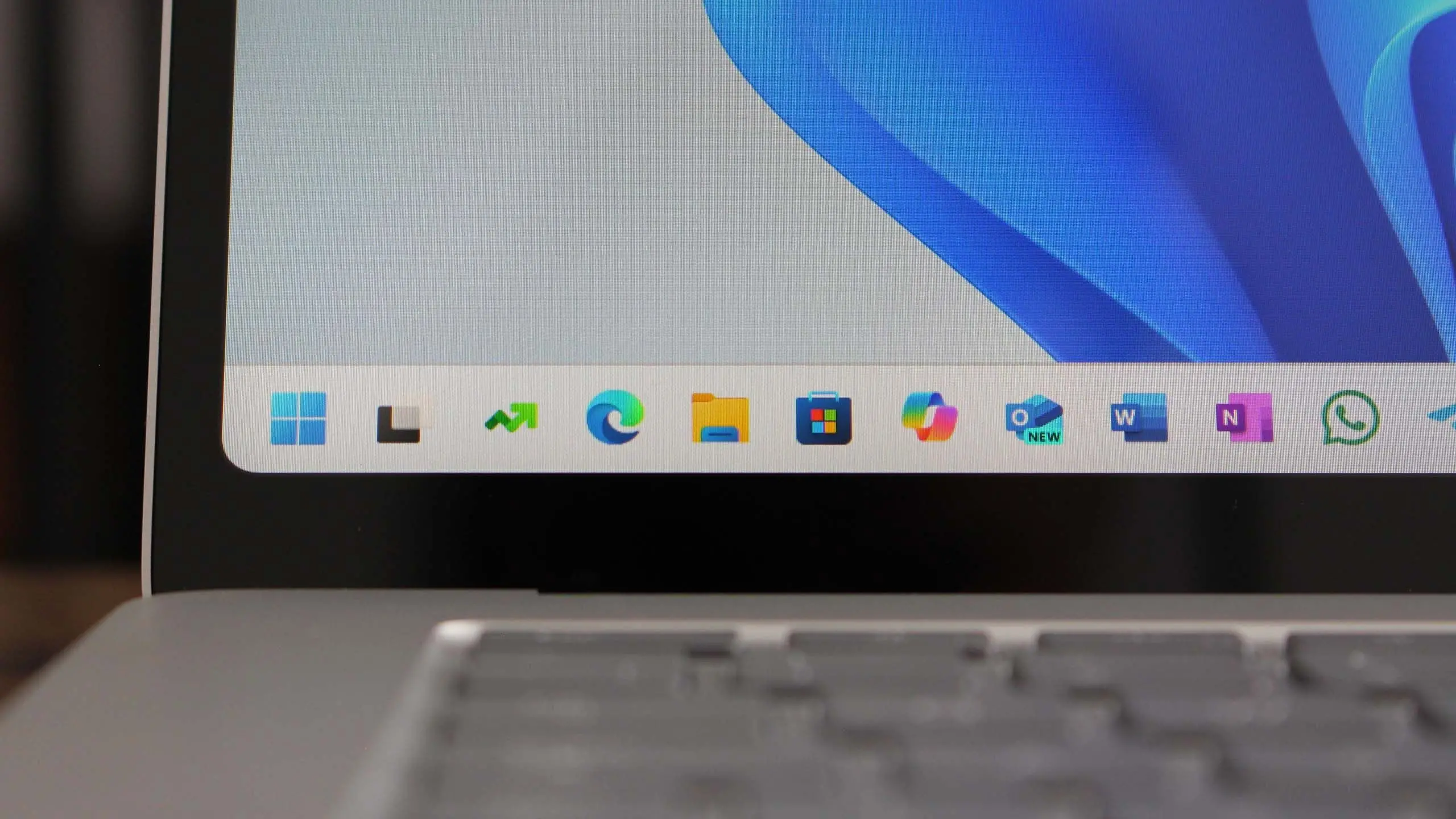
Microsoft is gearing up to release Windows 11 version 25H2, the next major feature update for its operating system. While the company has not officially announced the final name, industry insiders and preview builds suggest that 25H2 will bring substantial improvements across performance, security, and user interface. This article covers everything you need to know about the upcoming release, including expected features, release timeline, system requirements, and how it builds on previous updates.
What is Windows 11 version 25H2?
Windows 11 version 25H2 is the codename for the second half of 2025 feature update for Windows 11. Following the pattern of previous releases like 22H2, 23H2, and 24H2, this update will be delivered via the Windows Update service and is expected to be a significant upgrade rather than a minor patch. The '25' refers to the year 2025, and 'H2' indicates the second half of the year. Microsoft typically releases these feature updates between September and November.
Expected Release Date
Based on Microsoft's historical release cadence, Windows 11 version 25H2 is anticipated to begin rolling out in October or November 2025. Insiders can expect to see preview builds in the Windows Insider Program starting in early 2025, with the Release Preview channel receiving the final candidate build a few weeks before general availability. Microsoft may also offer the update as an optional download before pushing it to all compatible devices automatically.
Key Features and Improvements
1. Redesigned Start Menu and Taskbar
One of the most visible changes in 25H2 will be a revamped Start menu. Based on leaked concept designs, Microsoft is exploring a more customizable layout that allows users to reposition the Start button, adjust the grid size, and even integrate widgets directly into the menu. The taskbar may also gain the ability to ungroup icons and show labels by default, a feature long requested by power users.
2. Enhanced Snap Layouts and Multitasking
Snap Layouts, introduced in Windows 11, are getting smarter. Version 25H2 is expected to include AI-assisted snapping that predicts your preferred window arrangement based on your workflow. For example, if you frequently open a browser and a document editor side by side, Windows will automatically offer that layout. Additionally, the new 'Snap Groups' feature will remember which apps you use together and allow you to restore them as a group.
3. Deeper AI Integration with Copilot
Microsoft's AI assistant, Copilot, will be more deeply integrated into the operating system. In 25H2, Copilot will be able to control system settings, manage files, and even execute complex tasks like summarizing long documents or generating image captions directly from the desktop. A new sidebar mode will let Copilot appear as a floating panel while you work.
4. Performance and Security Upgrades
Under the hood, Windows 11 version 25H2 will introduce a new memory management system that reduces RAM usage for background processes. The update also includes a next-generation antivirus engine that uses machine learning to detect zero-day threats faster. Additionally, Microsoft is implementing 'Secure Core PCs' as a standard requirement for new devices, ensuring hardware-level protection from firmware attacks.
5. File Explorer Modernization
File Explorer will receive a significant overhaul. The interface will adopt a cleaner design with a tabbed browsing experience (already partially available in prior updates), but 25H2 will add support for archive formats like RAR and 7-Zip natively. A new 'Gallery' view will display photos and videos with metadata overlays, and the search bar will include AI-powered suggestions and natural language queries.
6. Gaming Improvements
For gamers, Windows 11 25H2 brings DirectStorage 2.0 with faster load times and support for decompression offloading to the GPU. The update also includes Auto HDR enhancements for a wider range of titles and a new 'Game Mode' that optimizes system resources in real-time. The Xbox Game Bar will be updated with a performance overlay that shows frame times and GPU usage without third-party tools.
System Requirements
Microsoft is expected to maintain the same hardware requirements as Windows 11 original, but with some additions. The minimum requirements will likely include:
- 1 GHz or faster dual-core processor (64-bit)
- 4 GB RAM (8 GB recommended)
- 64 GB storage (128 GB recommended)
- UEFI Secure Boot and TPM 2.0
- DirectX 12 compatible graphics / WDDM 2.x
- High-definition (720p) display greater than 9 inches diagonally
However, version 25H2 may require a newer processor generation (Intel 8th Gen or AMD Ryzen 2000 and later) to support certain AI features. Microsoft will likely publish a detailed compatibility list closer to launch.
How to Prepare for the Update
To ensure a smooth upgrade to Windows 11 25H2, users should:
- Back up important files and create a system restore point.
- Update all drivers, especially graphics and chipset drivers.
- Check for and install any pending Windows updates before the feature update.
- Free up disk space by removing temporary files and uninstalling unused applications.
- Ensure the device meets the minimum system requirements.
Enterprise users should test the update in a pilot group before broad deployment, as some line-of-business applications may need compatibility updates.
Comparison with Previous Versions
Windows 11 version 25H2 is not a complete overhaul like the transition from Windows 10 to Windows 11. Instead, it builds on the foundations laid by 23H2 and 24H2. The most notable differences include the deeper AI integration, the revamped Start menu, and the native support for additional archive formats. Performance benchmarks from early builds show a 5-10% improvement in multitasking scenarios compared to Windows 11 24H2.
What About Windows 12?
Rumors about Windows 12 have circulated for years, but Microsoft appears to be sticking with a steady stream of feature updates for Windows 11. Version 25H2 may introduce some foundational changes that could eventually lead to a new version, but for now, the company is committed to enhancing the current platform. Some analysts believe that major AI-driven changes might be branded as 'Windows 12' in the future, but that is unlikely before 2026 at the earliest.
Microsoft has not officially confirmed all features mentioned in this article. Information is based on preview builds, patent filings, and industry analysis. The final release may differ.
Source: Windows Central News